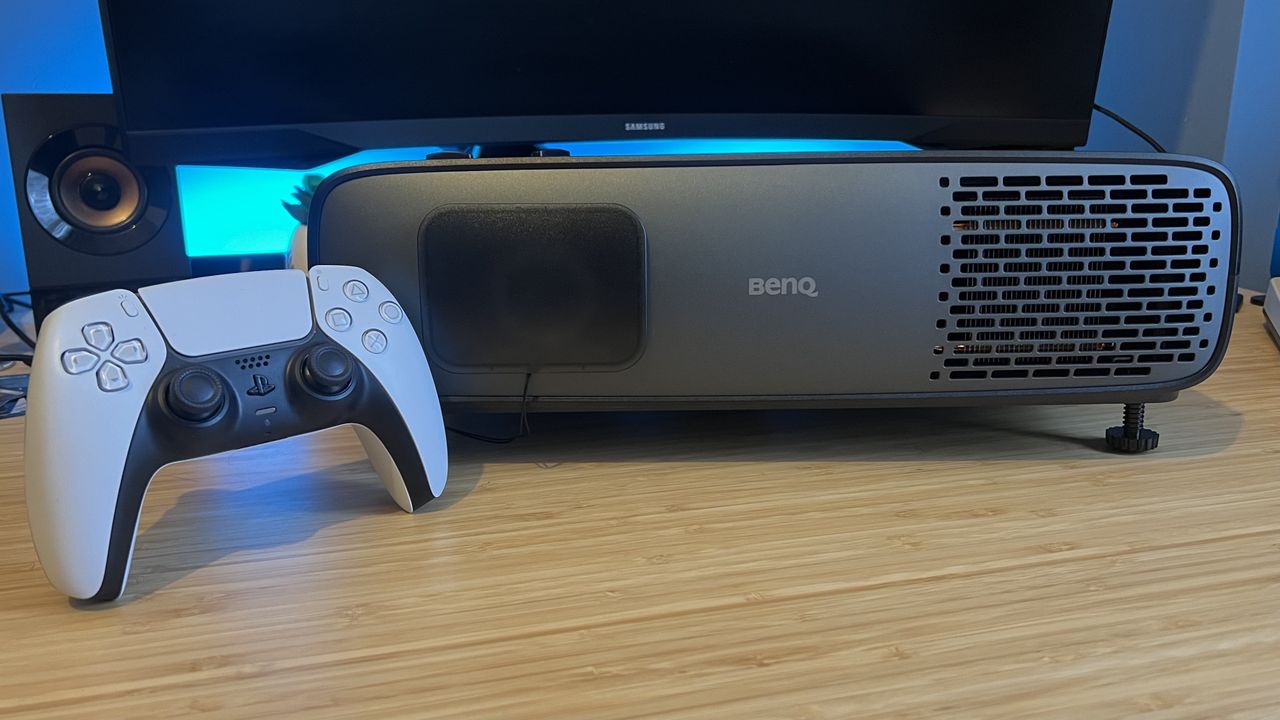
GamesRadar+ Verdict
The BenQ W4100i brings together gaming expertise with streaming smarts in a compelling upper mid-range package that can act as an all-in-one home theatre and game room setup without hitting specialist price tags.
$2,529 at Adorama $2,799 at Amazon $2,799 at Newegg $2,799.99 at Best Buy Pros- +
Excellent color handling
- +
Bountiful HDMI ports
- +
Solid latencies
- +
Fairly streamlined design
- +
All the image placement controls you need
- -
Some picture quirks
- -
No 4K 120Hz output
- Best Buy's Cyber Monday deals will end in a matter of hours, these are the biggest offers live right now
- The best gifts for Xbox Game Pass lovers
- The best Xbox gaming gifts for travel this holiday season
Why you can trust GamesRadar+ Our experts review games, movies and tech over countless hours, so you can choose the best for you. Find out more about our reviews policy.
What is BenQ to projectors? From the gaming-specific X-range to the more budget friendly portable G-line, this is a brand that has built its strengths on versatility, solid mid-range price tags, and high-end picture quality. The BenQ W4100i doubles down on this approach, reading from the brand's rulebook by heart and doing it all effortlessly.
At $2,999.99 / £2,999.99 it's no budget buy, but it's cheaper than some of the best projectors for gaming at this 4K resolution. I had a little extra context when I first opened up this box all those weeks ago. I had just come off the Sony Bravia 7, a $10,000 projector I had been comparing to my experience with the Bravia 8, a $16,000 unit.
Swipe to scroll horizontallyKey SpecsPrice
$2,999 / £2,999
Brightness
3,200 lumens
Resolution
4K (3840 x 2160) (pixel shifting)
Light source
4LED
Throw ratio
1.15 - 1.5:1
HDR
HDR10, HDR10+, HLG
Image size
Up to 150 inch
Audio
1x 5W speaker
Ports
3x HDMI 2.1,
Dimensions
16.56 x 5.31 x 12.28 inch
Weight
6.1kg
Design
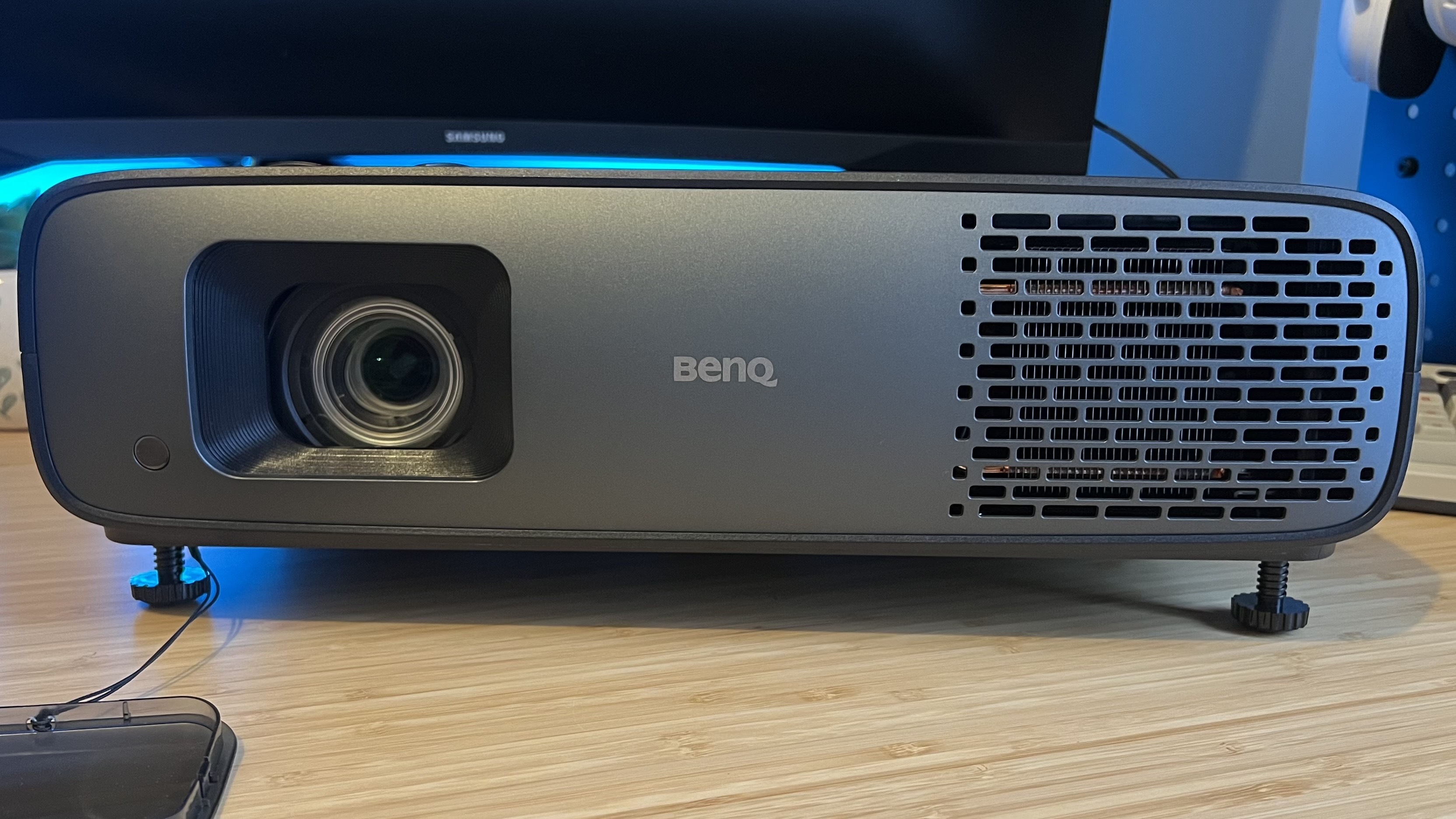
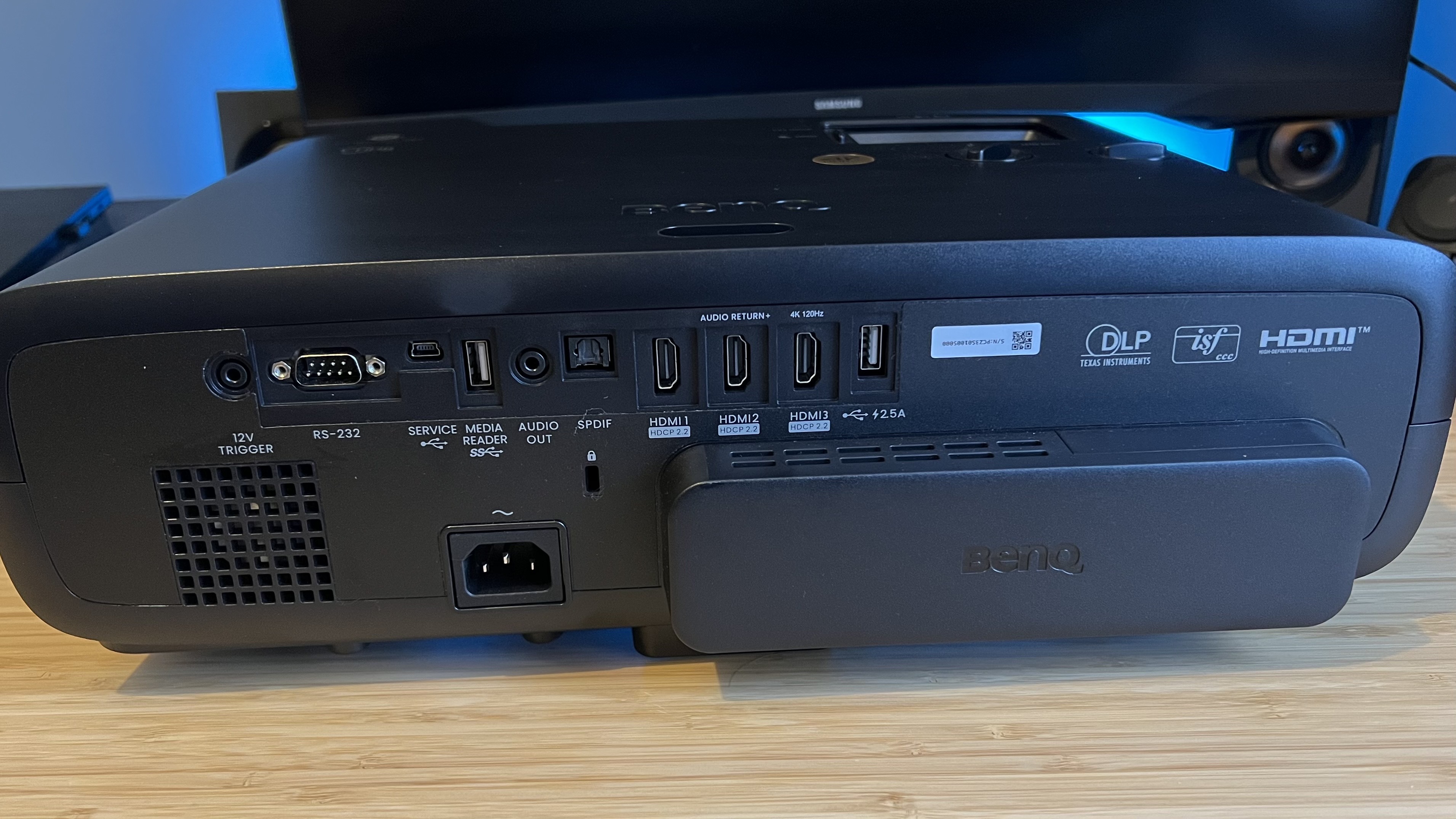
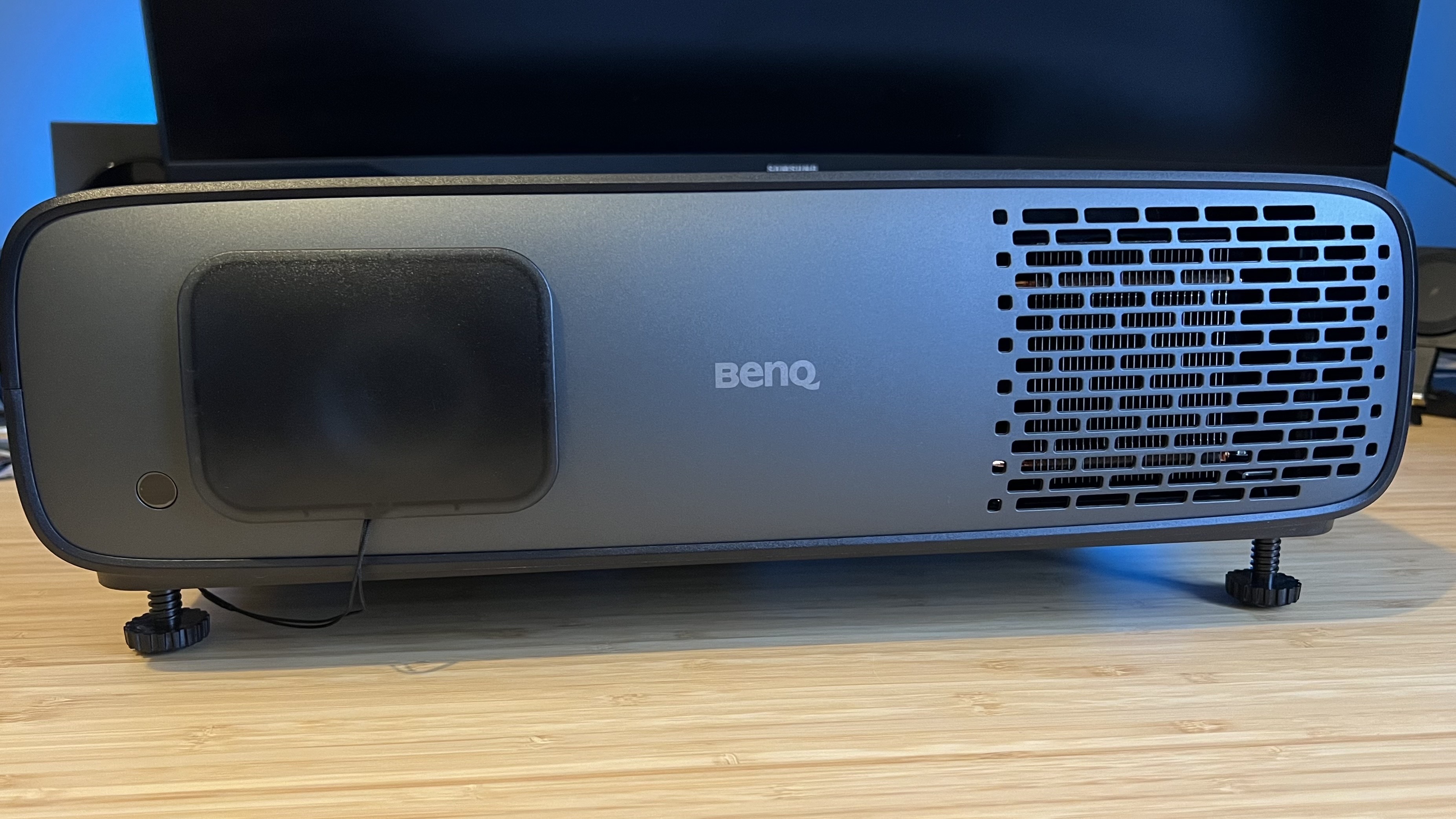
Subtlety rules here, with the BenQ W4100i retaining the same cool gray aesthetic as previous iterations. Soft rounded corners, a matte finish, and a short, wide, oblong shape help the device blend into the background while still offering a sturdy, premium feel. It's not quite a seamless finish, there are a couple of harder joins along the sides and an awkward extension of the rear I/O section that houses the included streaming dongle.
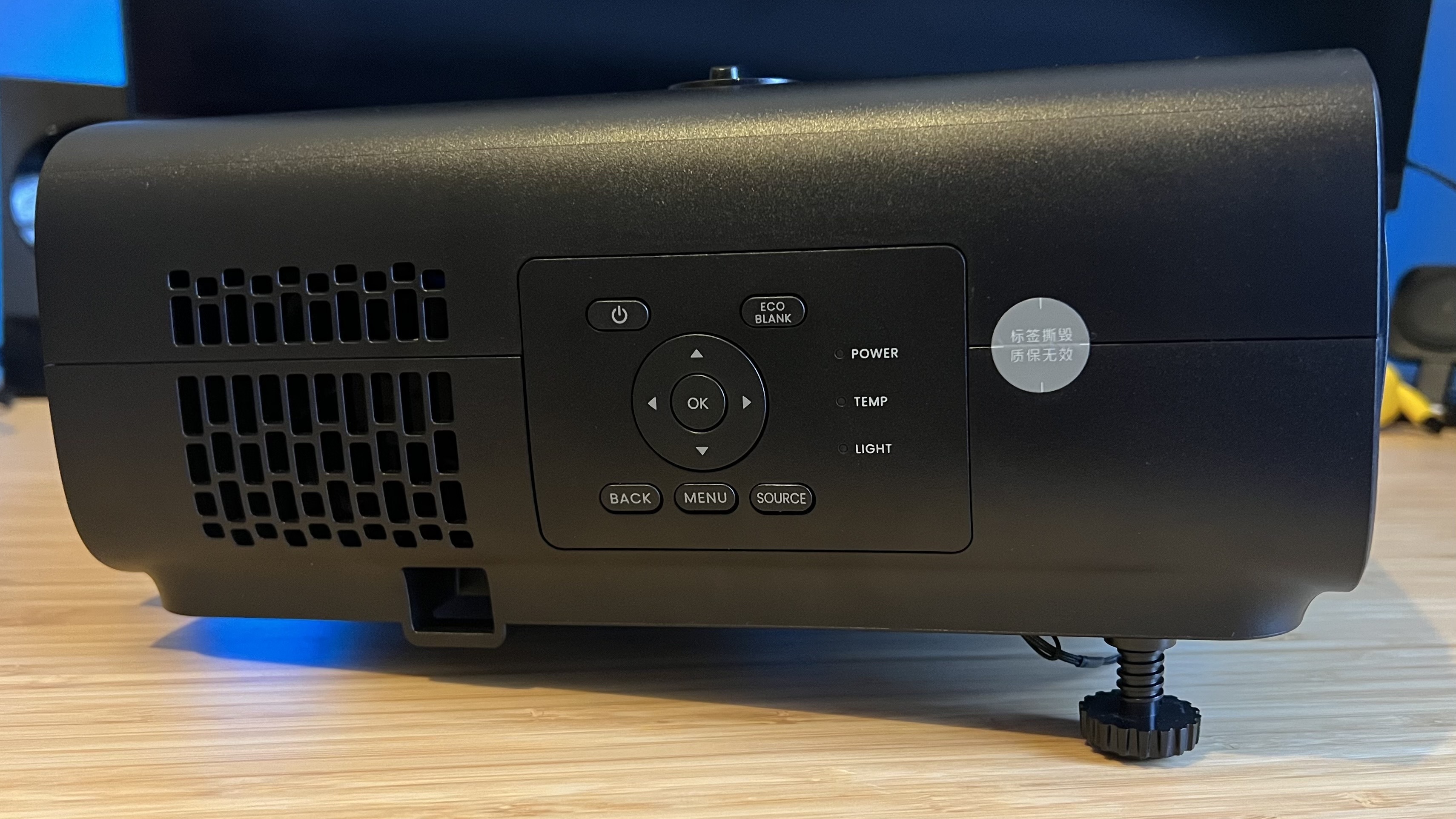
The back features easy-access controls while the very top houses your manual focus and zoom dials hidden underneath a retractable hatch opening. If I'm being really picky, this sliding door could be a little smoother in its action, as it stands it's pretty stiff to wind back. Underneath those dials, you'll find a set of knobs for vertical and horizontal lens shifting.
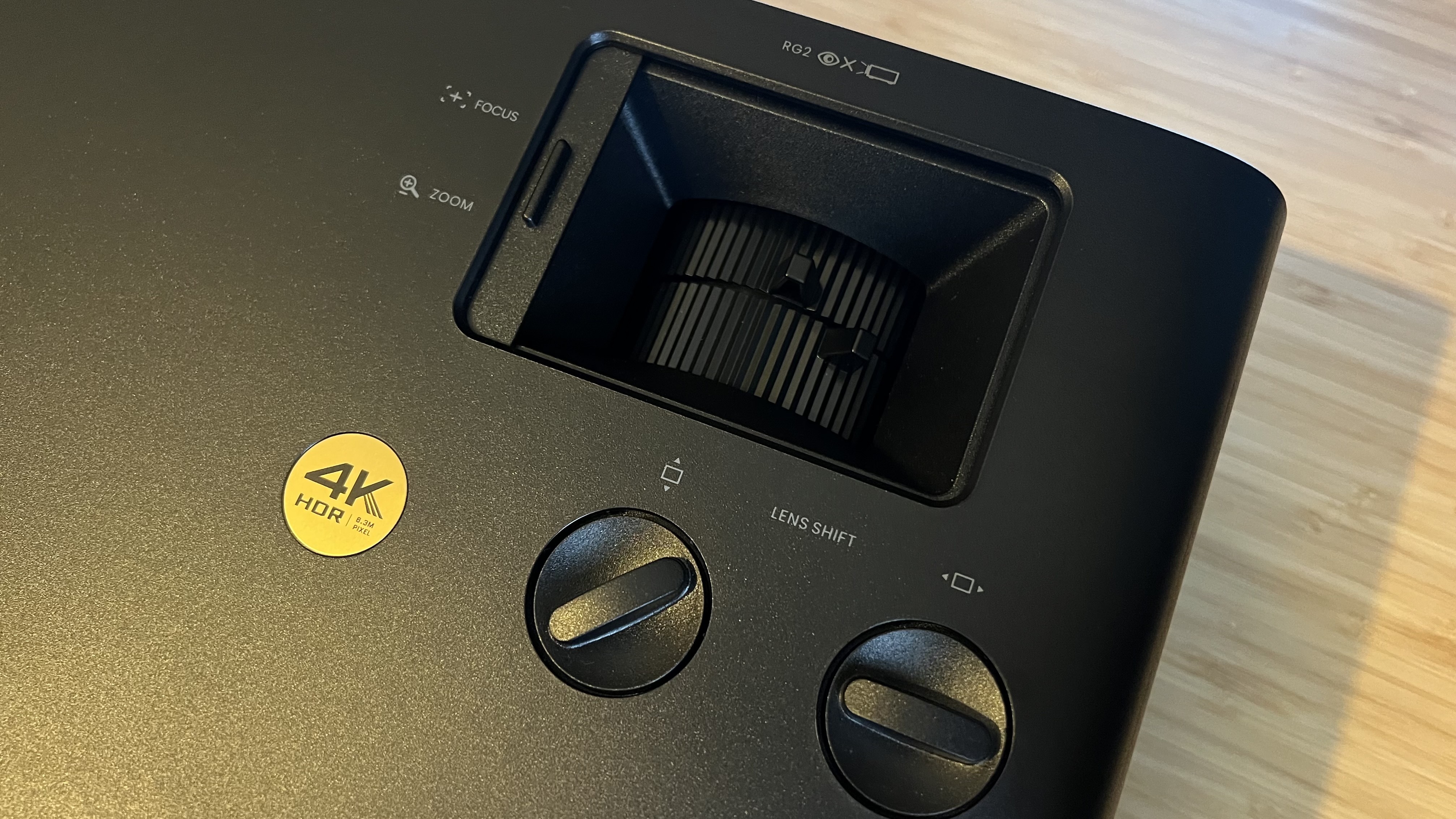
That's a strong amount of picture placement controls, complimented by a set of adjustable feet underneath. Simply unwind the screws to achieve the tilt required for your setup.
The 16.55-inch width and 12.28-inch depth may discount many a shelf placement, the BenQ W4100i isn't as large as a specialist device, but it's no lifestyle form factor. The 6.59kg weight keeps it free for ceiling suspension, though.
Sign up to the GamesRadar+ NewsletterContact me with news and offers from other Future brandsReceive email from us on behalf of our trusted partners or sponsorsBy submitting your information you agree to the Terms & Conditions and Privacy Policy and are aged 16 or over.Features
If you want a no-fuss do-it-all projector, BenQ's roster of features could act as a wish list. This is a complete package, with three HDMI 2.1 ports, support for 4K 120Hz inputs, HDR10+, Dynamic Tone Mapping, 3,200 lumens of brightness, an integrated speaker system, Android TV streaming, and lens shifting. That's a laundry list of toys and tools, but it really feels like BenQ is straddling the high-end enthusiast and everyday casual markets. That's not easy to do.
Of course, not all of these features are going to be preferable straight out the box. That 5W speaker is nothing on the Anker Nebula X1's roster of four side-firers, it's more of a fallback should your existing speaker setup fail you.
The included Android streaming dongle is more than you'll find in most specialist-oriented machines, and it's housed in its own dedicated HDMI port to leave three others free. Everything zipped along smoothly for me in testing, though running the projector in the UK I did notice a lot of more local streaming apps are still out of action on this platform.
Like on the Sony Bravia 7 Projector, all your zoom, focus, and lens shift controls are manual. It's a little annoying in practice, and means there's no picture setting memory on offer, but once it's set up in the first instance everything should be good to go. That lens shift option also isn't to be taken for granted, even in this $3,000 price bracket.
With 3,200 lumens of brightness, the BenQ W4100i isn't topping the charts, but it is outperforming many in its price range. The BenQ X3100i just nudges ahead in raw bulb power, running at 3,300 lumens, but the far more expensive Sony Bravia Projector 7 offers 2,200 and the Sony Bravia Projector 8 only revs up to 2,700. If brightness is a priority, though, it's worth noting that the Anker Nebula X1 runs at 3,500 in its portable form factor.
That's enough juice for a dark home cinema room, just not quite enough to compete with brighter ambient light sources while still retaining darker details. Still, with BenQ's HDR Pro system in place, Dynamic Tone Mapping and Dynamic Black work to boost your image as much as possible.
The whole thing natively outputs at 1080p, using a DLP chipset for pixel shifting up to the full 4K whack. You'll be spending a lot more for native UHD, though, and everything still looks crisp and smooth.
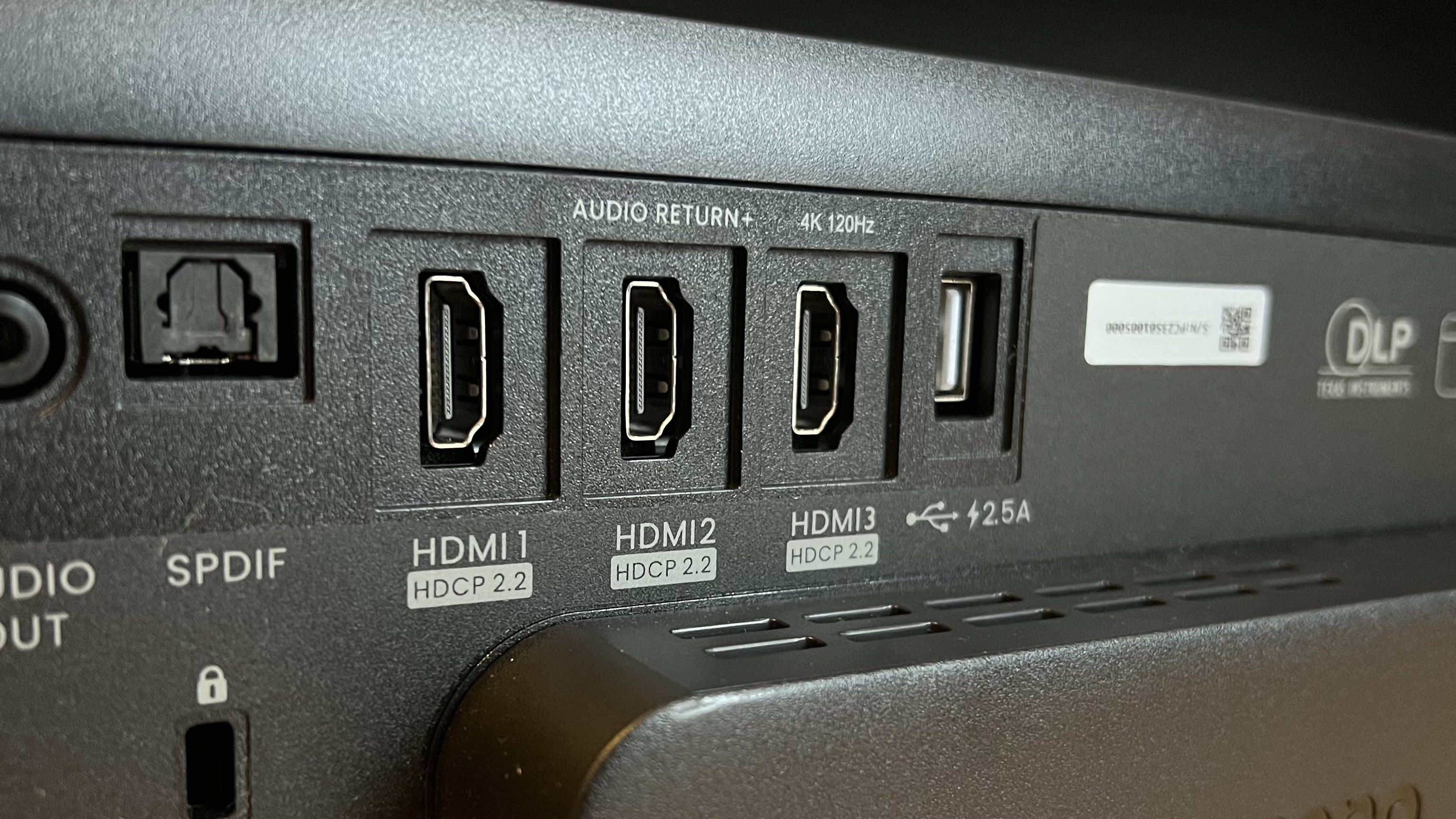
It's important to note that the BenQ W4100i will accept a 4K 120Hz picture from your PS5 or Xbox Series X, but scales things down to 1080p to achieve that full refresh rate. If you play solo adventures, I'd recommend opting for the system's 4K 60Hz mode to make the most of that boosted resolution, though your latency will jump from 13ms at 1080p to 17.9ms at 4K.
That means there's space for both immersive and competitive gameplay here, even if it's not the full best-of-both-worlds experience you'll find in a gaming TV. If that's not enough, I'd recommend checking out something more premium like the Sony Bravia Projector 7.
Performance
Straight out the box, the BenQ W4100i is impressive with the power of its color, excellent motion handling, and finer details in brighter scenes. My eyebrows did snake up my forehead a couple of times during testing, but overall this is a solid piece of kit with a picture that perfectly straddles the mid-range and high-end market.
There are a few quirks to take note of, though. Moving from particularly bright scenes after darker moments in Stranger Things (4K HDR, Netflix), and Dunkirk (Blu-ray, via PS5) saw a little more rainbow effects than I would have expected from this price point. They were certainly fleeting and I likely wouldn't have noticed if I wasn't directly hunting them down in a more focused testing session, but they are there. On top of that I noticed that detailing in those darker scenes was often lost, even with low ambient lighting around me.
We're still talking about a picture that will blow a $1,000 projector out the water, but there are a few hints that you're not spending the top dollar you'd need to on a specialist device.
Colors though? This is where the BenQ W4100i absolutely shines. Even subtle tone shifts in Joker (Blu-ray, via PS5) were captured beautifully, with vibrant orange hues playing through muddier backdrops with startling contrast and even more tonally muted scenes in Dunkirk offering up a richness in both depth and texture. Detective Pikachu (Blu-ray, via PS5) had the punch and energy of an '80s arcade, while games like Astro Bot cut through the room with a super sharp palette.
That's all with the lights off, of course.
Running through some Alan Wake 2 and rewatching Joker again with some ambient lighting revealed that loss of darker detailing. It's still miles better than you'll find in much cheaper models, but it's not quite cutting through that extra light like the Sony Bravia Projector 8. Then again, do you really want to spend the extra $10,000 to be able to keep that lamp on?
Both my PS5 and Nintendo Switch 2 fared well on the BenQ W4100i as well. Dropping down to 1080p to achieve that full 120Hz refresh rate in more competitive titles didn't feel like I was missing out too much, and I was still able to enjoy Donkey Kong Bananza in full 4K glory at the same time. Response times are still a little larger than those of a full gaming TV, but it's far from game breaking. I never felt like I was hampered in these solo adventure moments.
And that contrast simply glowed in Alan Wake 2's iconic musical scene, one of my favorite levels of any game ever felt like a spiritual experience through this projector.
Should you buy the BenQ W4100i?
The BenQ W4100i wants to be everything at once, and if you're investing in a premium setup for both movies and gaming it's a solid proposition. Yes, you'll need to move further up the price range to Sony's Bravia line if you want full 4K 120Hz from your consoles, but the picture quality, colors, contrast, and depth of this image can easily save you some serious cash over those Sony prices. There are a few quirks, and you'll want to keep excess lighting to a minimum to truly feel the benefit of your investment, but I'd happily spend a $3,000 budget on this machine when kitting out a setup.
As the best projector for PS5 or Xbox Series X specifically? The BenQ W4100i has an ancestor lurking in the wings. The BenQ X3100i is still readily available on the shelves, teetering between $2,200 and $2,800 at Amazon. It offers a few more nice-to-have gaming features like a slightly lower 4K latency and dedicated game profiles built from a user-generated platform. It's also easier to fit into a gaming-specific setup with a more compact chassis and a less fiddly setup system.
That's still my go-to for those after a pure gaming experience, but if you have even one Blu-ray on your shelf that extra streaming boost could well be worth the leap.
How I tested the BenQ W4100i
I ran the BenQ W4100i with the PS5 and Nintendo Switch 2, running games, streaming, and playing Blu-Rays from the former. I tested in both dark and ambient lighting environments with the projector set to Filmmaker HDR mode for movies. I tested across Joker, Dunkirk, and Detective Pikachu Blu-rays running off the PS5, while also running Stranger Things via Netflix in 4K HDR. I played Donkey Kong Banaza and Mario Kart World through the Nintendo Switch 2 with HDR switched off, and Astro Bot and Alan Wake 2 on the PS5. For more information on how we test projectors, check out the full GamesRadar+ Hardware Policy.
If you're after a desk-based setup, check out the best gaming monitors and the best monitors for PS5 specifically. Or, take a look at the best HDMI cables to pair with your new projector.
BenQ W4100i: Price Comparison
 $2,529View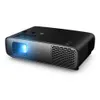
 $2,999 $2,799View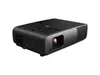
 $2,799View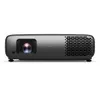
 $2,999.99 $2,799.99View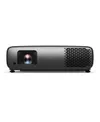
 $2,999ViewbundleWe check over 250 million products every day for the best pricespowered by
 Tabitha BakerSocial Links NavigationManaging Editor - Hardware
Managing Editor of Hardware at GamesRadar+, I originally landed in hardware at our sister site TechRadar before moving over to GamesRadar. In between, I've written for Tom’s Guide, Wireframe, The Indie Game Website and That Video Game Blog, covering everything from the PS5 launch to the Apple Pencil. Now, i'm focused on Nintendo Switch, gaming laptops (and the keyboards, headsets and mice that come with them), PS5, and trying to find the perfect projector.
Show More CommentsYou must confirm your public display name before commenting
Please logout and then login again, you will then be prompted to enter your display name.
Logout Read more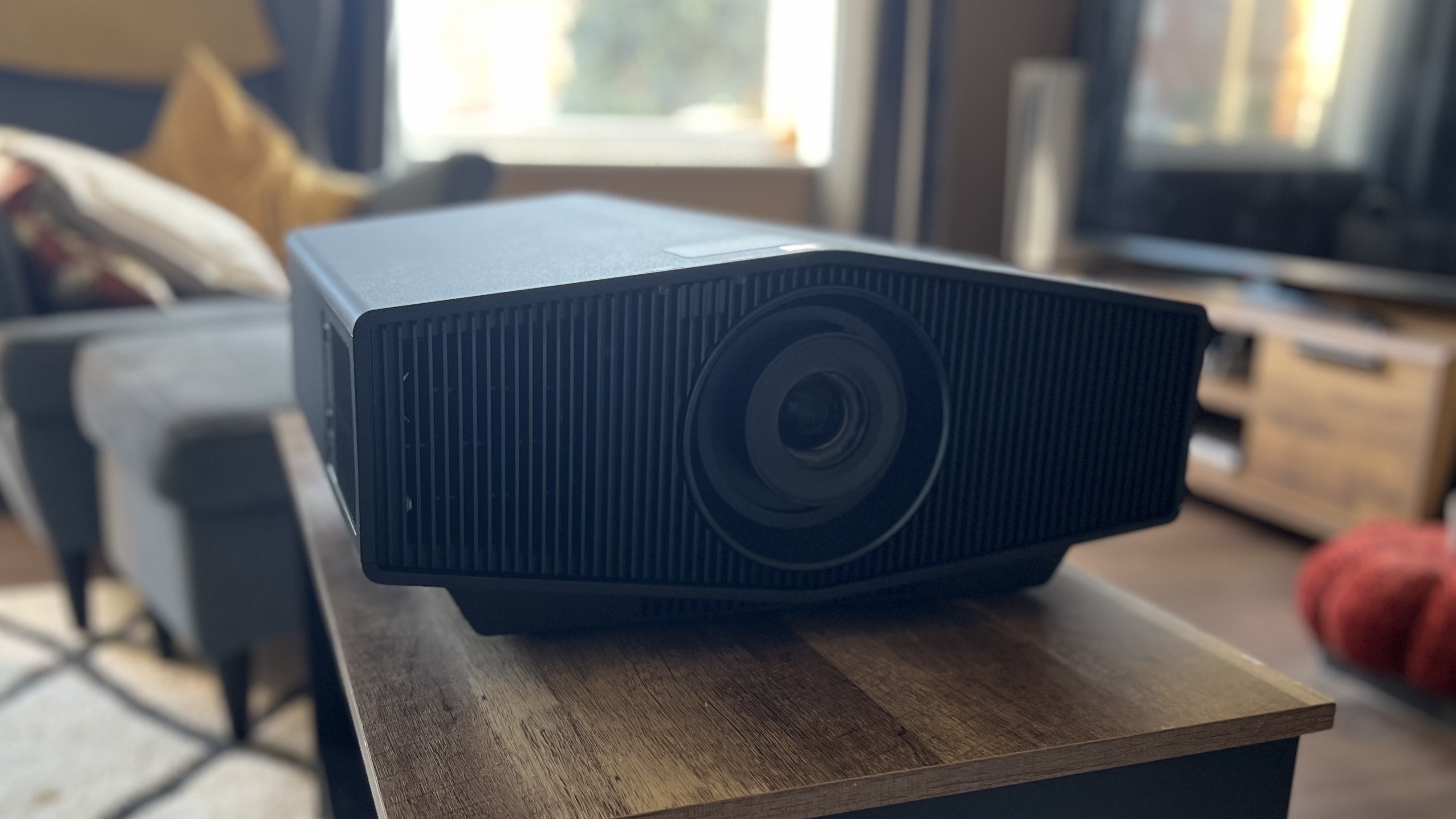 The Sony Bravia Projector 7 is a rare beauty, a high-end luxury thrower that doesn't require hours of settings tweaks | Review
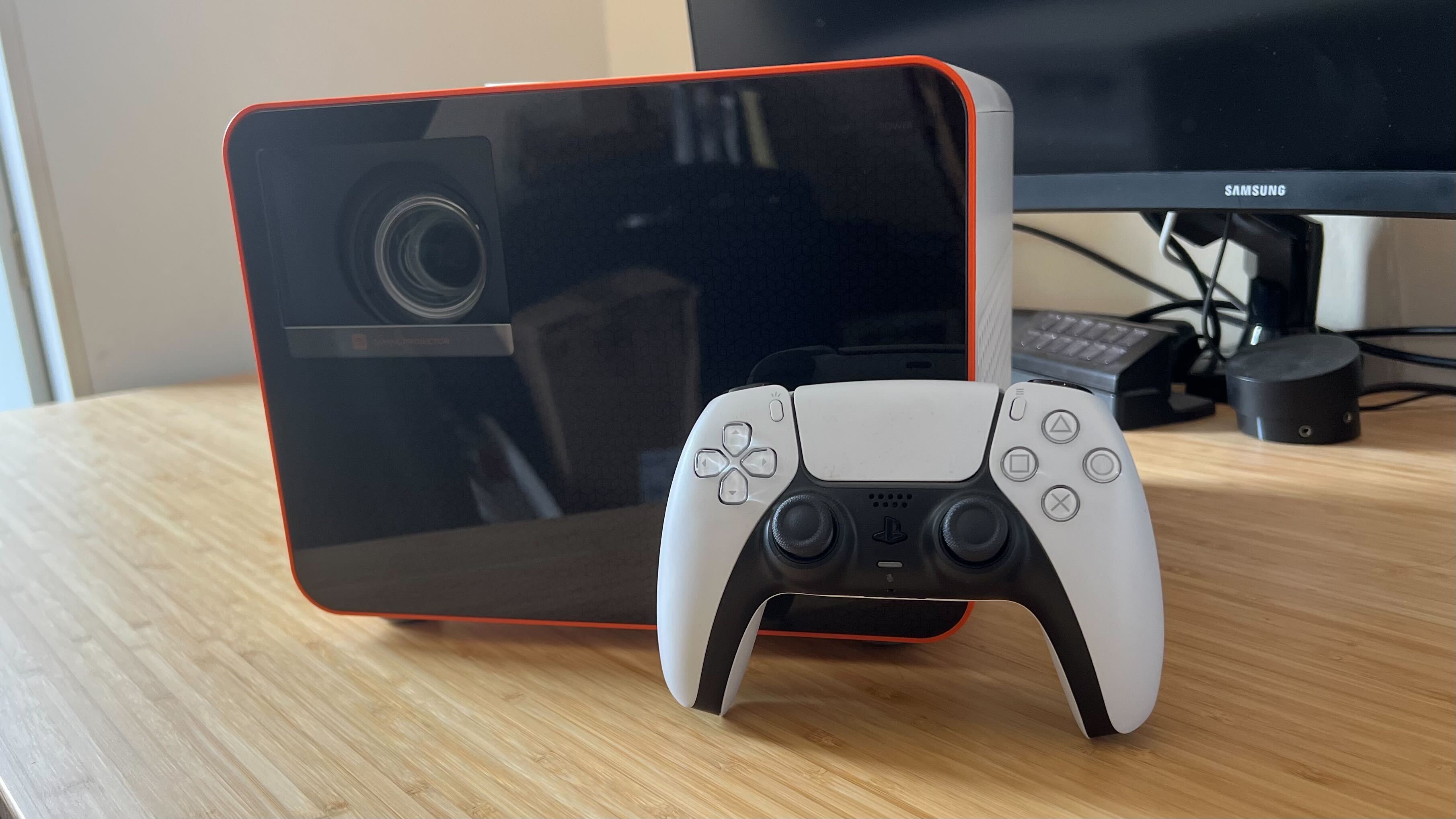 The best projector for gaming: the top throwers I've tested in 2026
Best projector for PS5 and Xbox Series X in 2026
The best projector for gaming: the top throwers I've tested in 2026
Best projector for PS5 and Xbox Series X in 2026
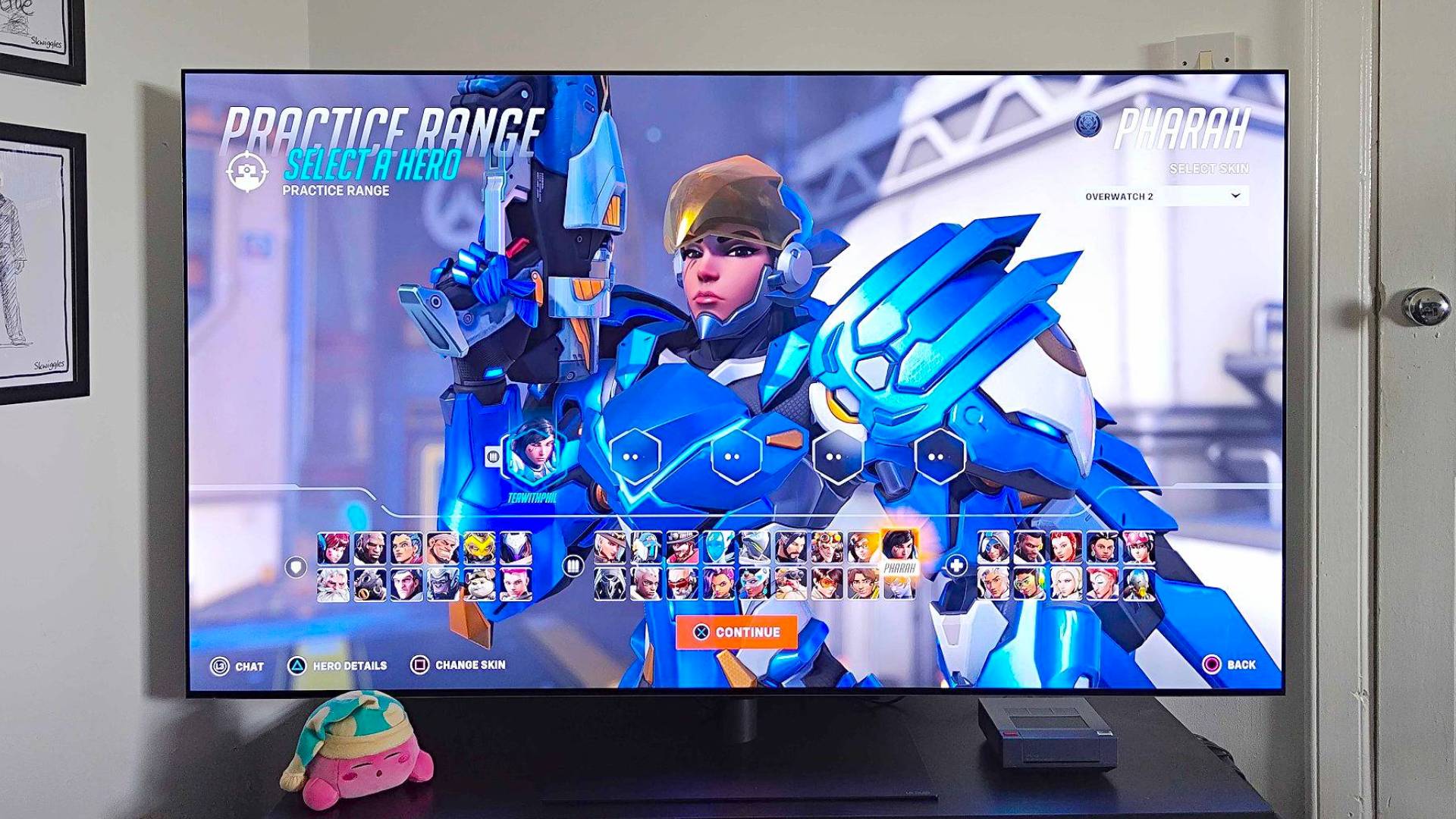 The best gaming TV 2026: my top high-spec living room screens
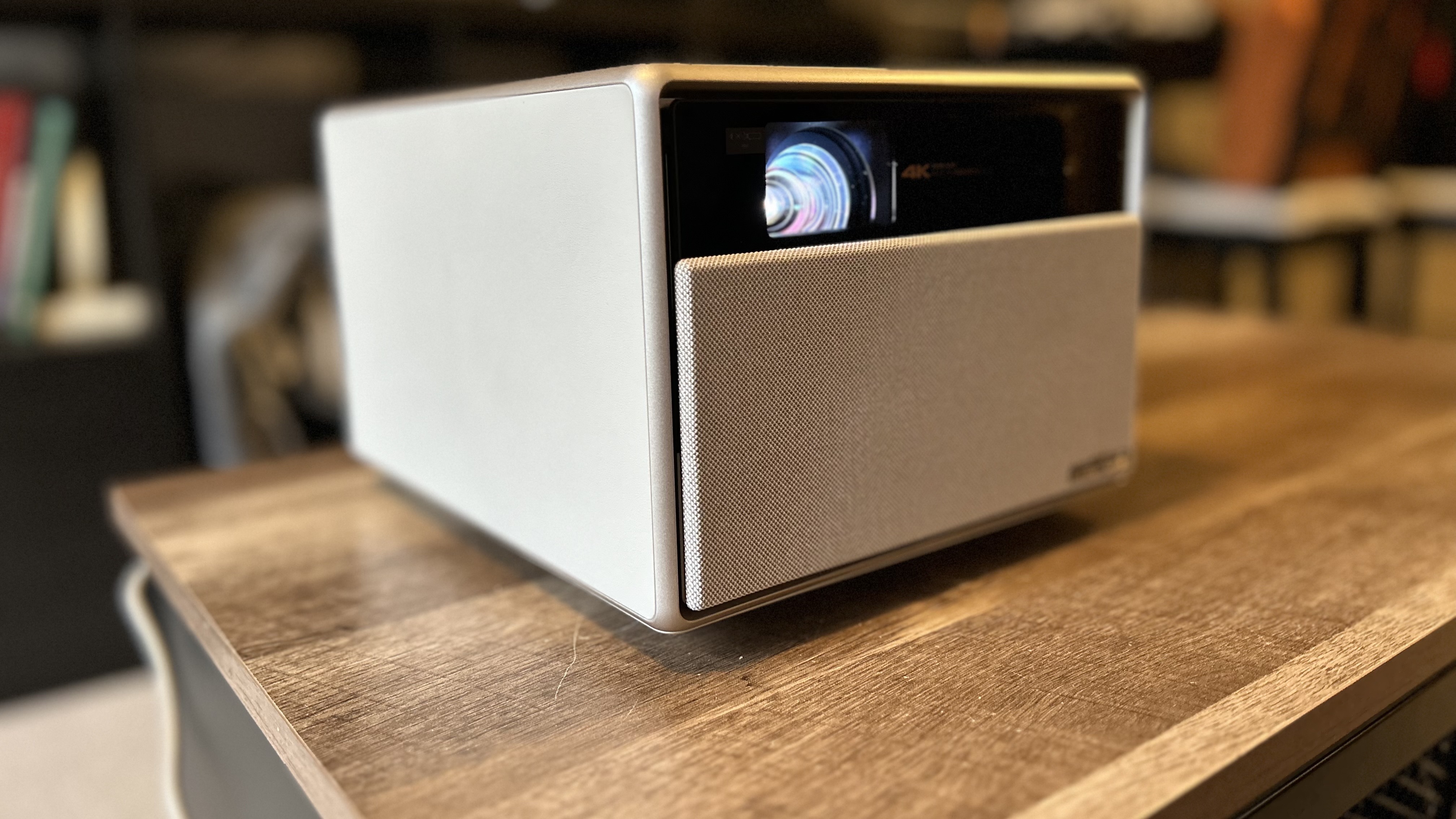 One of my favorite 4K projectors skipped Prime Day, but it's back at a record-low price this week
 The best monitor for PS5 2026: high spec screens for the OG and Pro
Latest in Hardware
The best monitor for PS5 2026: high spec screens for the OG and Pro
Latest in Hardware
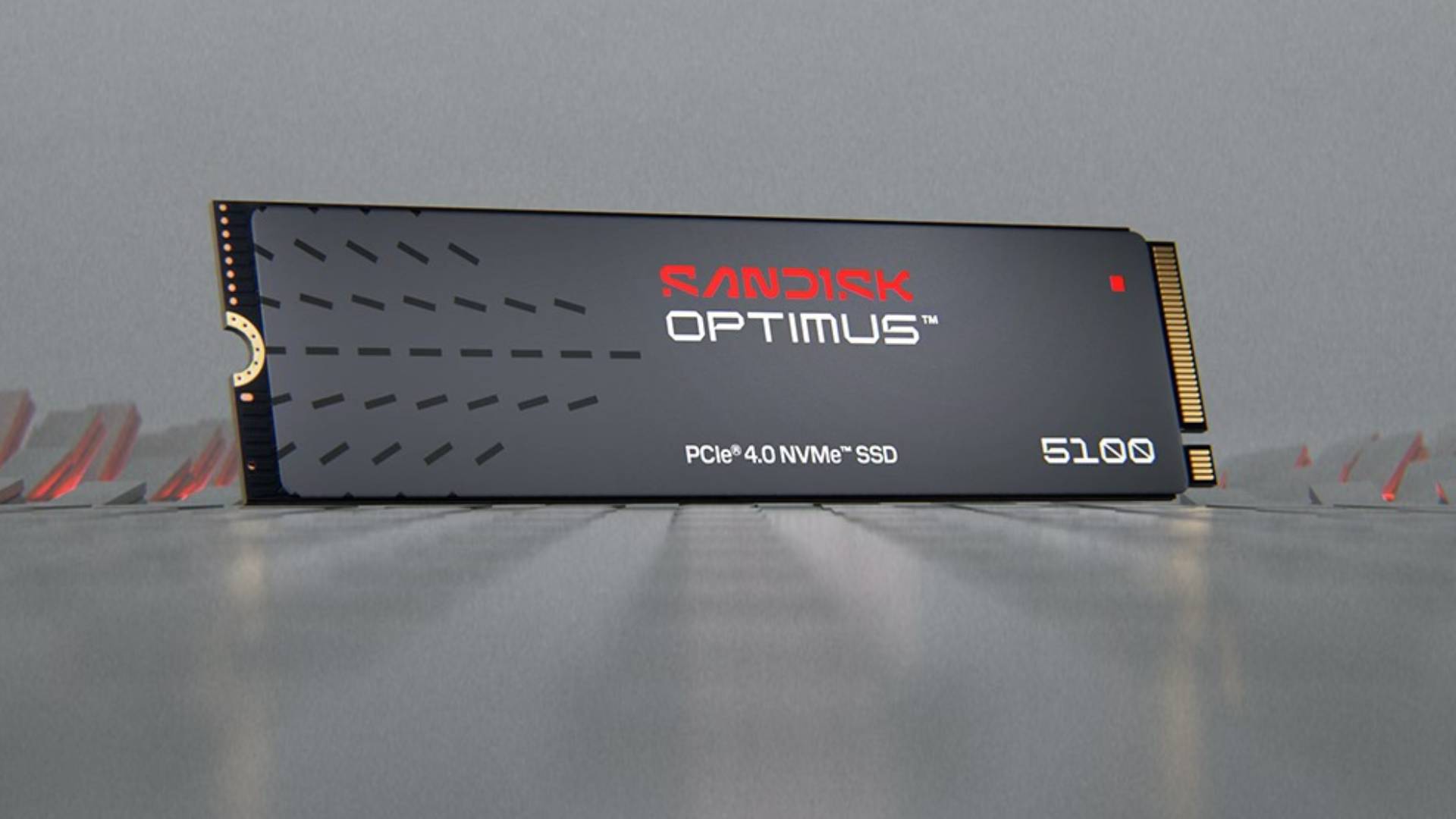 WD Black and WD Blue gaming SSDs have transformed into the Sandisk Optimus Collection
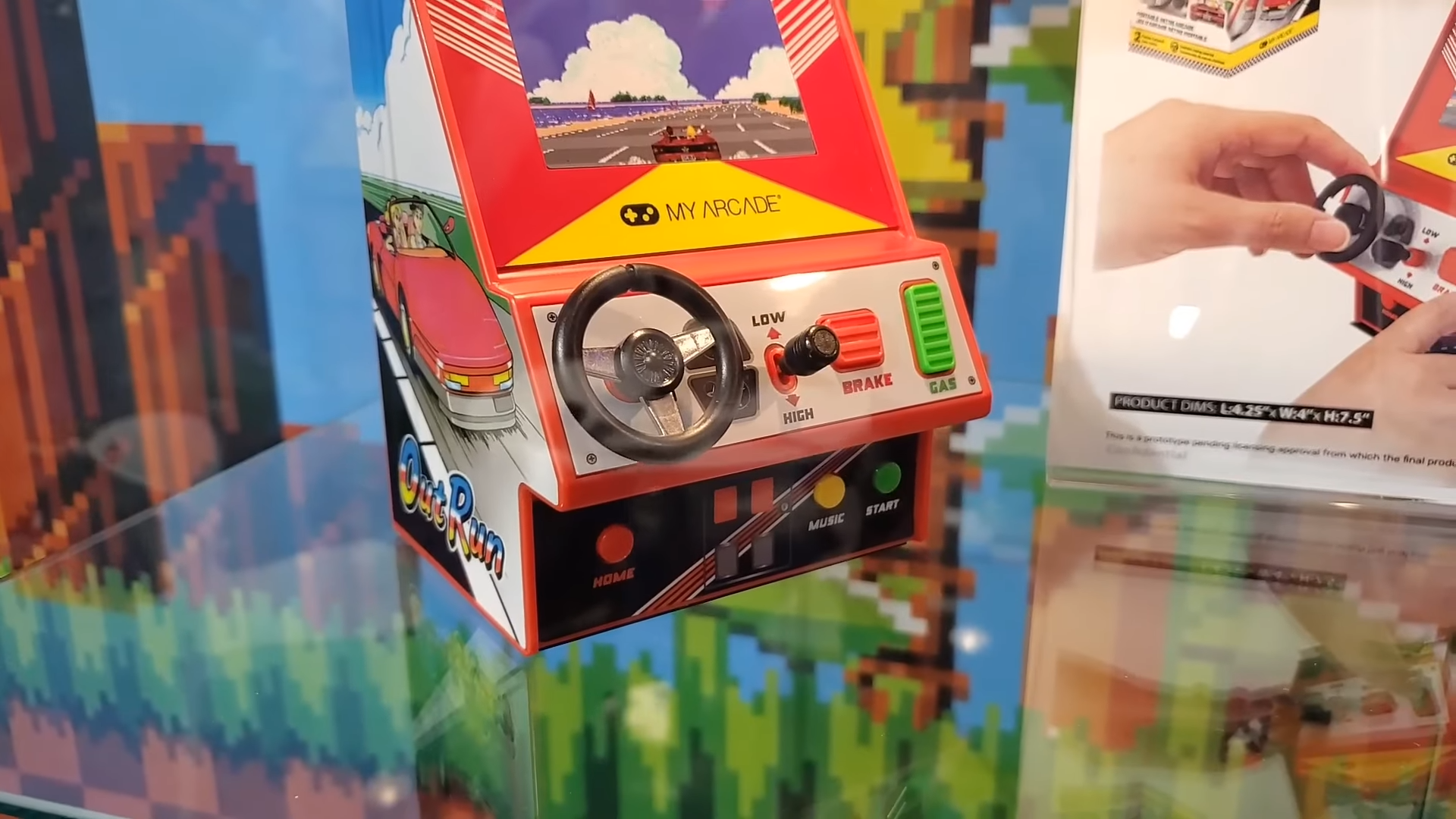 A bunch of new Sega mini arcade machines are inbound
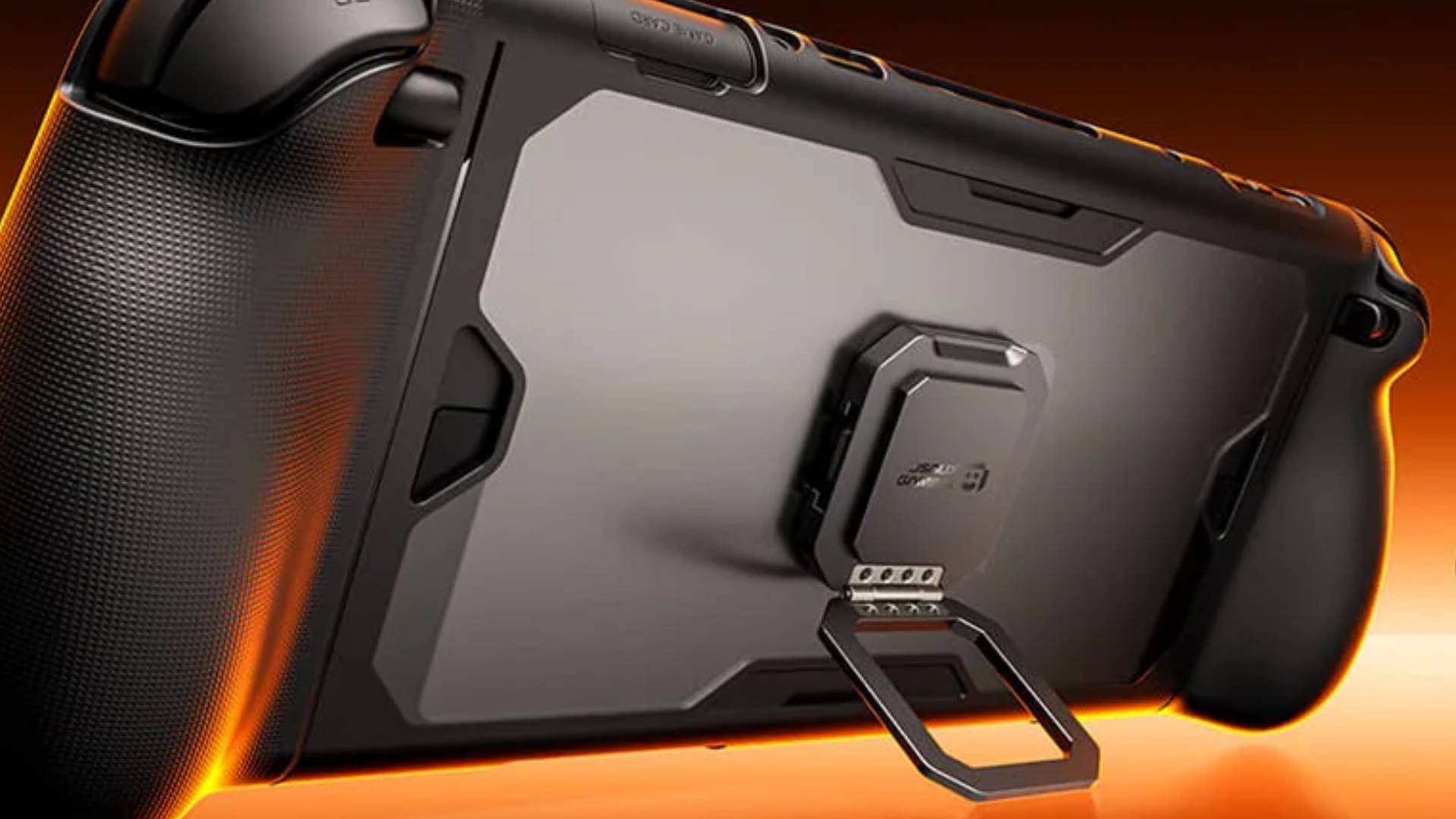 I've tested over 20 Switch 2 cases, but this JSAUX ModCase shown off at CES 2026 is calling my name
 Samsung's 1040Hz gaming monitor isn't for mortals like me, and I know most of us lack the GPU
 The SteamOS Lenovo Legion Go 2 is now official, but there's still a Steam Deck LCD hole in my heart
 The new Hyperpop Collection adds a much-needed pop of color to the PS5 lineup
Latest in Reviews
The new Hyperpop Collection adds a much-needed pop of color to the PS5 lineup
Latest in Reviews
 Trails Beyond the Horizon review: "This JRPG's thrilling real-time and turn-based combat evolves Metaphor ReFantazio's hybrid battles, making up for a poorly paced adventure"
 The Turtle Beach Burst 2 Pro proves you don't need a fingertip grip to win ranked matches
 Stranger Things season 5 finale review: “Shows off both the best and the worst of Hawkins”
 Stranger Things season 5, Volume 2 review: “All set up for a finale that has so much to deliver”
 My cat tore my last gaming chair to shreds, so I decided to try one we could both sit in

 Lego U.S.S. Enterprise NCC-1701-D review
GAME REVIEWSMOVIE REVIEWSTV REVIEWS
Lego U.S.S. Enterprise NCC-1701-D review
GAME REVIEWSMOVIE REVIEWSTV REVIEWS 1Trails Beyond the Horizon review: "This JRPG's thrilling real-time and turn-based combat evolves Metaphor ReFantazio's hybrid battles, making up for a poorly paced adventure"
- 2This alt-history board game is still a gold standard for modern strategy
- 3Skate Story review: "A beautiful and unique skateboarding game with great, stylized visuals set in a grungy underworld"
- 4Octopath Traveler 0 review: "The strongest entry in this retro-styled JRPG series yet, I love the greater focus on tactical battles"
- 5Sleep Awake review: "An all-timer horror premise is let down by tired stealth that I feel like I'm sleepwalking through"
 1Avatar: Fire and Ash review: "Still a technical marvel, with some of the year's best action filmmaking"
- 2Five Nights at Freddy's 2 review: "We have waited two years for a Five Nights at Freddy's 1.5"
- 3Wake Up Dead Man: A Knives Out Mystery review: "Brings Knives Out back to its roots for a sequel that's almost on a par with the original"
- 4Wicked: For Good review: "Builds to an incredibly cathartic conclusion, but isn't quite as captivating as Part 1"
- 5The Running Man review: "Some fun action and Glen Powell's star power aren't enough to energize this disappointing Stephen King adaptation"
- 1Stranger Things season 5 finale review: “Shows off both the best and the worst of Hawkins”
- 2Stranger Things season 5, Volume 2 review: “All set up for a finale that has so much to deliver”
- 3Fallout season 2 review: "A hell of a lot of fun despite being overcrowded and convoluted"
- 4Stranger Things season 5 volume 1 review: “Can the Duffer brothers stick the landing? It’s sure looking like they will”
- 5Pluribus season 1 review: "Easily one of the year's best dramas"